
All industries
Pest Control
Turn recurring service, inspections, and treatment proof into local trust signals.
TradeVulcan helps pest control teams manage city coverage, service-area proof, contacts, and structured follow-up without exposing private customer details.
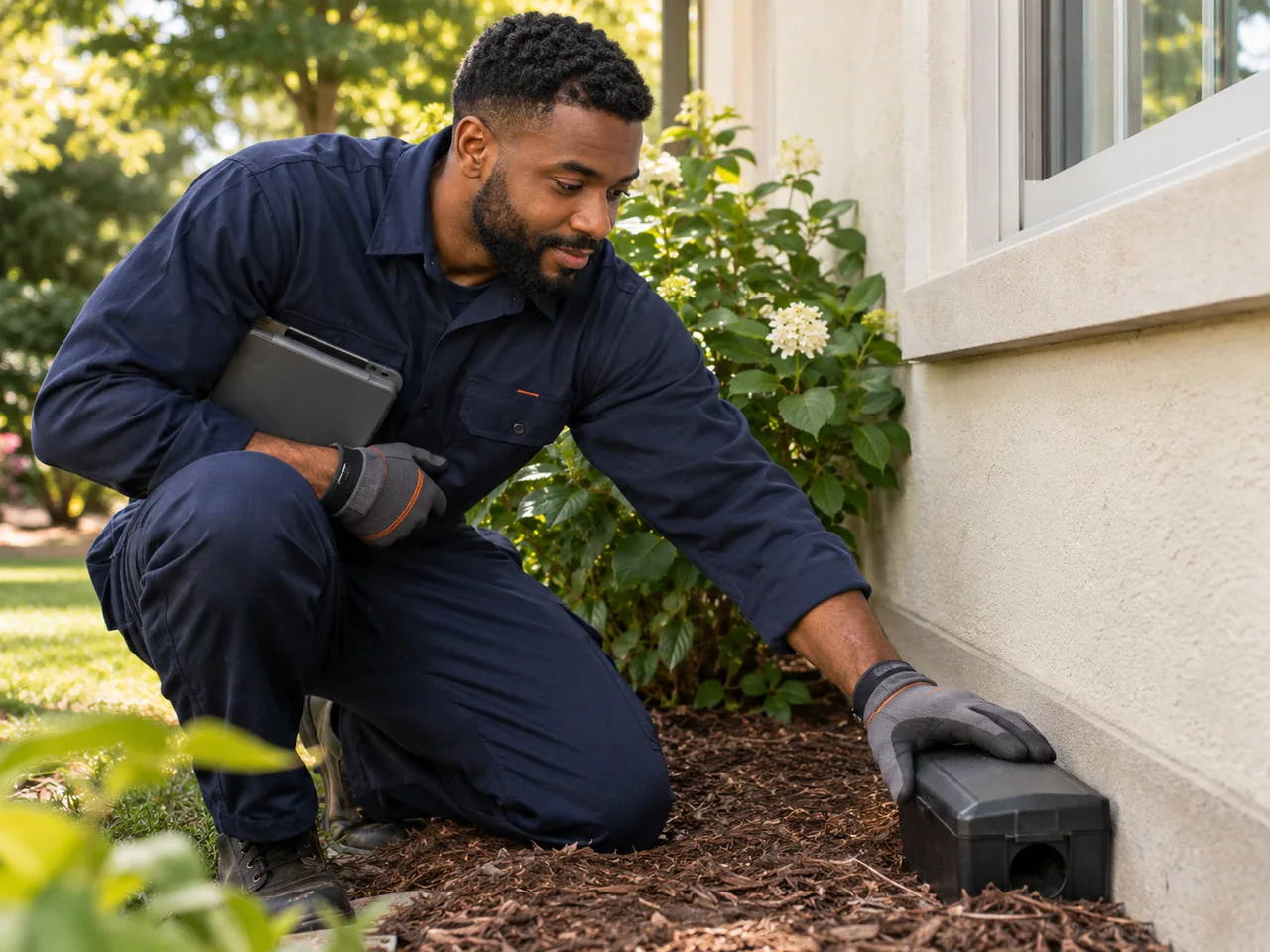
Pest Control teams need a cleaner path from field activity to booked work.
Recurring customers need consistency
Service areas must stay accurate
Photos need moderation
Focused apps that create leverage without replacing the CRM.The usual Pest Control starting stack. Launch one, then add the next.
Proof Pulse
Publish approved completed work, manage reviews and build visible local proof.
Explore Proof Pulse
Map Forge
Keep business information, service areas and local presence aligned.
Explore Map Forge
Site Spark
Guide website visitors through service questions and supported booking workflows.
Explore Site SparkContacts
Keep authorized customer details and context available to your installed apps.
Explore ContactsThe app path for capturing, recovering, proving and following up.
- 01
Bring completed work into view
Show the city, service type, and completion details of your work while keeping private notes internal.
- 02
Moderate proof
Approve only photos and descriptions that make sense for public pest control pages.
- 03
Map service coverage
Use proof and location data to show active coverage without exposing exact addresses.
- 04
Improve presence
Use service-area signals to keep local visibility, website booking, and customer follow-up aligned.
Privacy-safe
local proof by service area
Supported CRM connections, available records, API access and review settings determine what can be imported and published. Public proof stays subject to your approval and privacy controls.
Example rollout
Pest control operator
Starting point
The company needs fresh local visibility but cannot publish sensitive customer details.
The workflow to build
TradeVulcan keeps proof city-first and privacy-safe while helping recurring-service customers find, trust, and contact the company faster.
- Publish safe local proof
- Strengthen service-area pages
- Centralize customer contacts
- Create listing health signals
Make this example your starting point. Choose your first workflow, set success measures and put it to work.
Start with your biggest leak
Request a Pest Control walkthrough.
Tell us where work is slipping away and we’ll recommend a starting workflow around your trade, team and existing tools.
- Map the customer journey your team actually handles.
- Confirm the connections and data your starting app needs.
- Agree on the next step and how you’ll measure it.
Questions Pest Control operators ask before launch.
Which workflow should a Pest Control company start with?
Start with the leak that is already costing booked work. For pest control teams, the usual starting stack is Proof Pulse, Map Forge, Site Spark, Contacts. Launch one workflow first, then review the results before expanding.
Do we need to replace our CRM?
No. TradeVulcan is designed to connect around supported CRMs and workflows. Available actions depend on your workspace, CRM API access, account permissions and configuration. Guided integration plans are distinct from supported native connections.
How does TradeVulcan help pest control teams use proof and follow-up?
It turns completed work, open estimates, website inquiries, calls and reviews into organized workflows your team can review, send, publish and measure. Publish safe local proof. Publishing and outbound messages follow the permissions, approvals and consent rules you configure.
See how TradeVulcan helps Pest Control teams work together.
Connect your customer journey so fewer promising inquiries get lost between the first call and follow-up.
More trades
All industriesThe next call could be your next customer.
Start with the one tool that plugs your biggest leak. Add the next app as your team grows.
Eligible plans include a 14-day trial. Monthly billing follows; usage and add-ons are separate. Cancel before renewal.